 01
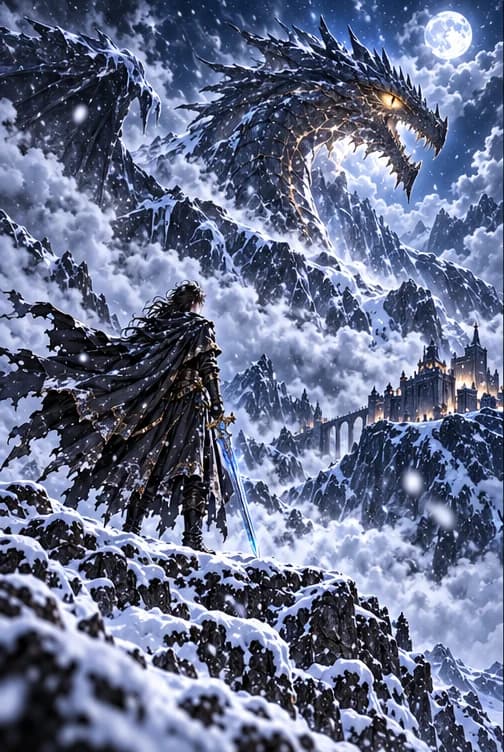 05
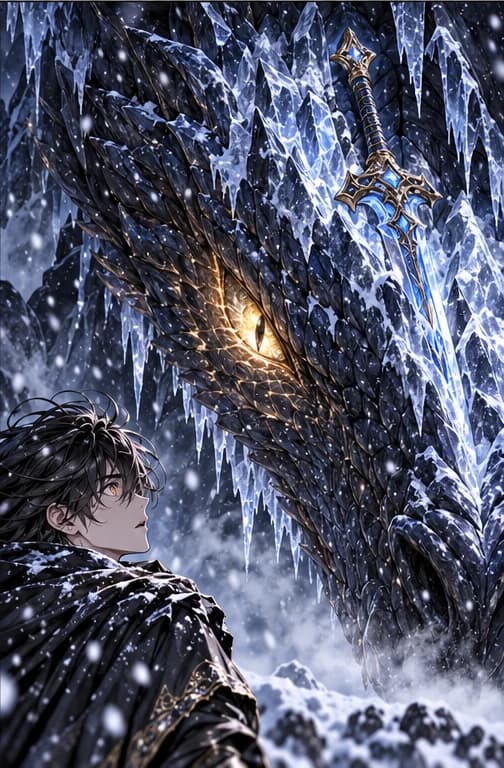 08
Stormbound Oath
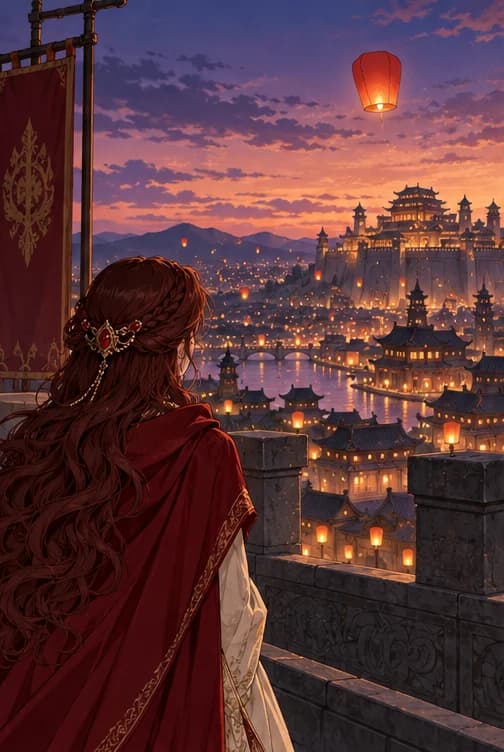
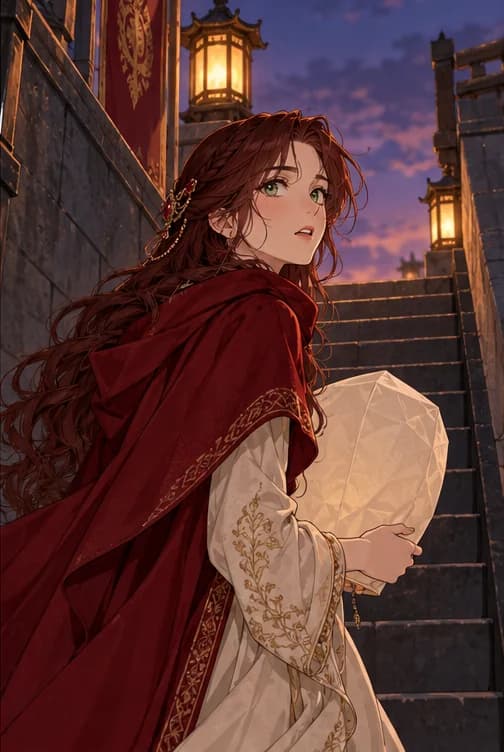
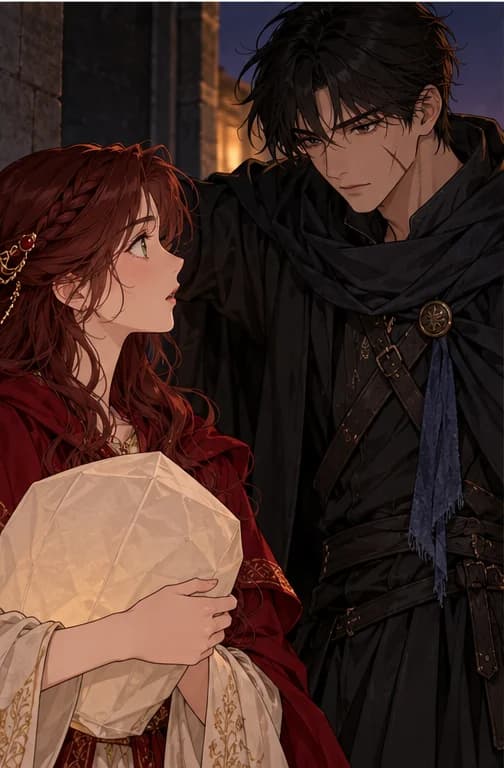
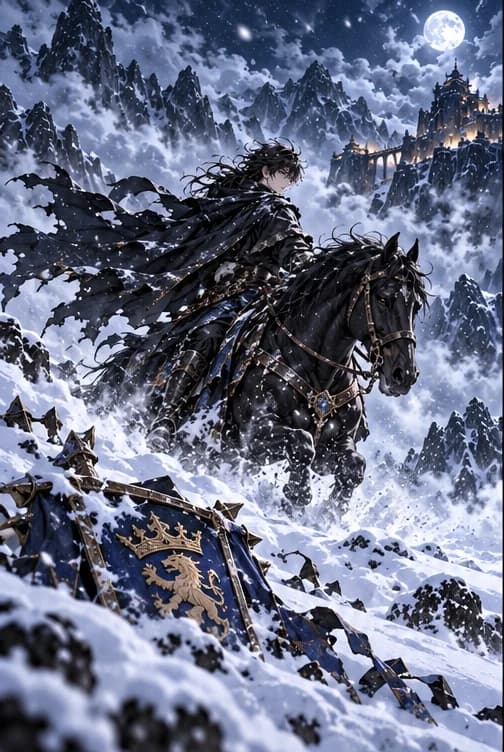
An exiled heir returns to the mountain pass just as an ancient dragon wakes beneath the snow and calls in the only promise he ever made.
 BuildToonwebtoon story studio
Turn the scene in your head into a comic you can edit.
BuildToon Original · AI-generated demo
Each original is a finished eight-panel story with a consistent cast, a clear visual sequence, and its own generation setup.
010508An exiled heir returns to the mountain pass just as an ancient dragon wakes beneath the snow and calls in the only promise he ever made.
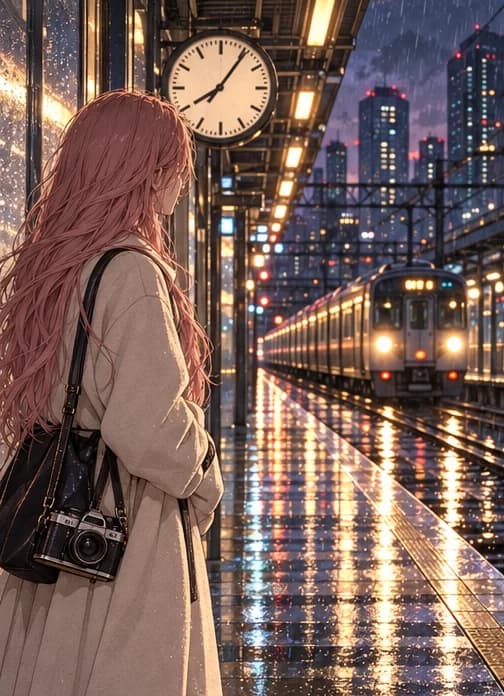 01
 05
 08
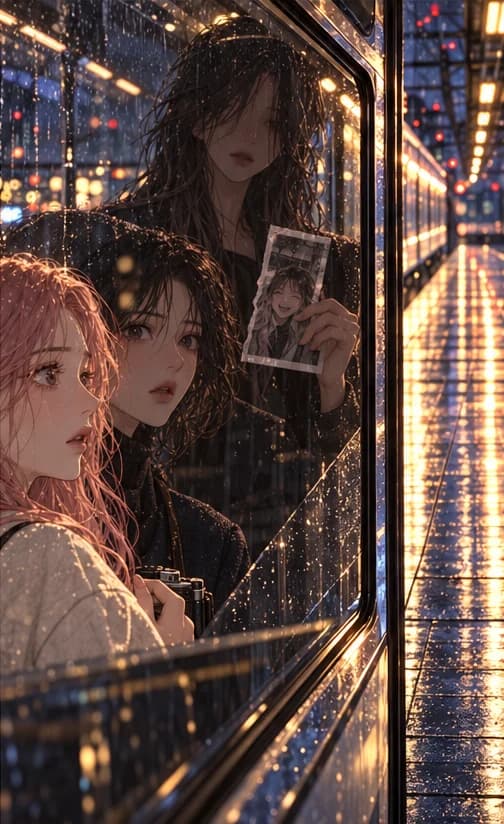
A photographer returns to the station where she let the right person leave, hoping the city will be kinder the second time.
These original editorial demos use AI-generated panel art. They are examples of the format, not customer publications or outputs from a user's generation run.
Start with the part you need today. Each workflow has its own tools, and your story can move from one to the next.
Go from a story idea or script to a vertical storyboard, then refine the parts that matter.
Bring in finished work, plan releases, prepare translations, and respond to readers from Creator Studio.
Public series, creator pages, a reading library, and community features connect publishing with discovery.
Build and edit an eight-shot scene plan in your browser. Image generation starts only after you choose an available render option.
Shape and edit your shot list, then save it in this browser or download a text copy. Planning does not generate images.
Open the free plannerRendering is available with an existing credit balance. First-render checkout is not open right now.
Open Story StudioBuildToon plans the shots, keeps the cast consistent, renders the sequence, and keeps every panel editable. Use it to pitch, revise, prepare an artist handoff, or keep building toward a webtoon.
Create a scene, prepare it for an artist, manage releases, and help readers discover and follow your series in one connected studio.
A visual series takes more than panels. Writers also need to plan scenes, brief artists, schedule releases, and give readers reasons to return.
Clear story structure, character continuity, practical exports, creator tools, and a connected path from first draft to published series and reader community.
Questions, bugs, and creator feedback go to hello@buildtoon.com.
A quick explanation for creators comparing AI webtoon tools or wondering what happens after they paste a story idea.
A hook, chapter, outline, or scene. BuildToon compresses longer text into a short vertical episode with a clear beginning, turn, and final beat.
BuildToon turns your story into episode beats first, then generates scroll-ready panels from those beats so the result reads like a sequence, not a random image set.
Yes. You can retry individual panels with redraw tools instead of restarting the whole episode.
Download a Creator Pack with numbered panels, the exact shot list and dialogue, character continuity notes, and launch copy. PNG, platform ZIP, PDF, and CBZ exports are available.
Start with the basics, pick a story idea, compare generator options, then move into the BuildToon creation flow.